1. Add a receipt
Take a photo or upload a file. SeeSight reads it and creates the expense record.

SeeSight is business travel expense software that removes the hidden financial stress of travelling for work. Add a receipt, SeeSight reads it, and your assigned accountant decides. Everyone always knows where a claim stands.

Business travel quietly costs the people who do it. The process around it is the problem, and that is what SeeSight fixes.
Flights, hotels and taxis often go on the traveler's own card.
Repayment can take weeks, with no clear view of where the claim is.
Paper slips go missing between the trip and the expense report.
Travelers don't know the limits until something gets rejected.
Travelers, accountants and the company each get exactly what they need, and nothing they don't.
Snap a receipt in the phone browser. SeeSight builds the expense, warns you before you send, and shows the status at every step.
Every claim from your assigned travelers lands in one queue, already checked against your rules.

Register, invite your people by email, and give each traveler one accountant. See every expense with its receipt, purpose and decision.

Add a photo or a file. SeeSight reads the merchant, date and amount and creates the expense record. You only check it.
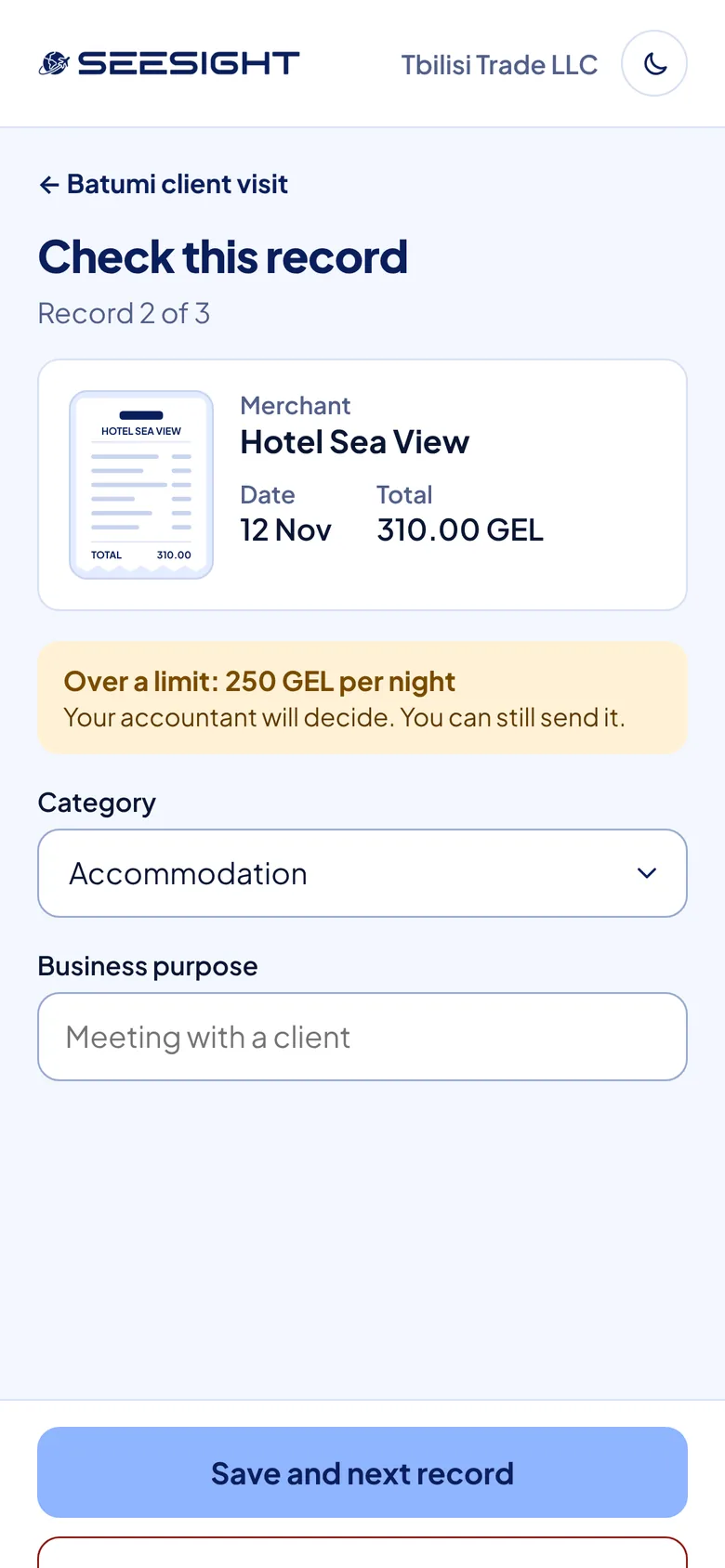
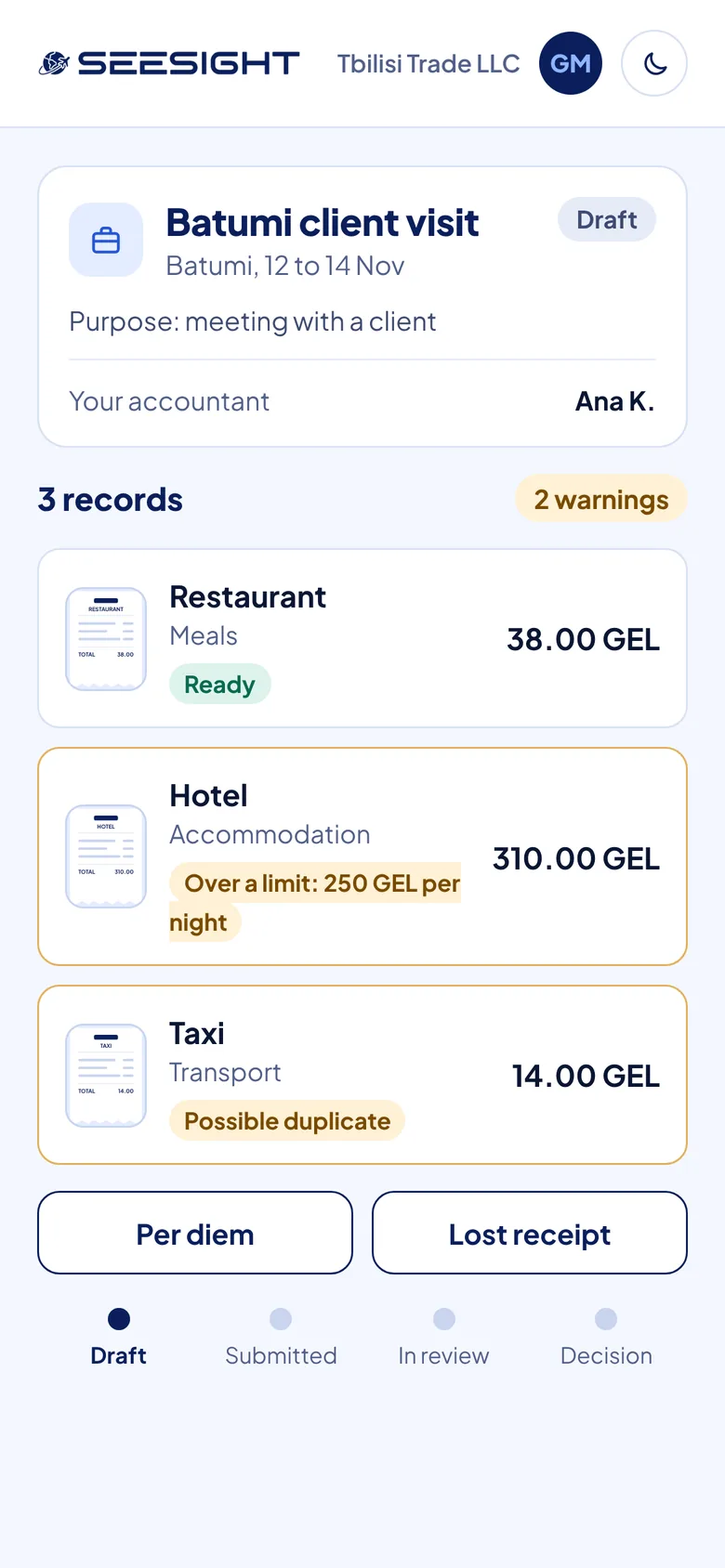
Over a limit? Possible duplicate? Travelers see it while they can still fix it, so accountants get fewer surprises.
The accountant approves, rejects, approves part of it or asks for a document, with one comment. The traveler gets an email and a PDF that includes the receipt image.

Take a photo or upload a file. SeeSight reads it and creates the expense record.
Confirm the details, add the purpose of the trip and send the claim to your assigned accountant.
Your accountant decides with one comment. You get an email, and a PDF with the receipt image.
Photo or file in, expense record out: merchant, date and amount filled in.
Over-limit and duplicate expenses are flagged before the claim is sent.
Draft, submitted, in review, decision. Travelers always know where things stand.
Accountants set limits once. The first matching rule wins, and the order can be changed.
Every traveler has one assigned accountant. The company can change it at any time.
Export a clean PDF of the claim that includes the receipt image.
A web platform for business travel expenses. Travelers add receipts, SeeSight turns them into expense records, and one assigned accountant reviews and decides.
No. SeeSight works in the phone browser.
Each traveler is assigned to one accountant, who approves, rejects, approves part of the claim or asks for a document, with one comment.
The traveler gets an email. The claim can be exported as a PDF that includes the receipt image.
About 30 minutes with the SeeSight team: we walk through the flow for travelers, accountants and companies and answer your questions.
We'll walk you through the full flow, from receipt to decision, for travelers, accountants and your company.
About 30 minutes. Questions first? info@seesight.net