For travelers
No receipt chaos, problems flagged before sending, and the status always visible.

One simple expense claim flow connects the traveler and their accountant, with the company seeing everything.
A photo or a file. SeeSight reads it and creates the expense.
Confirm the details, add the trip purpose and send it to the accountant.
Approve, reject, approve part or ask for a document, with one comment.
The traveler gets an email. The PDF includes the receipt image.
The traveler takes a photo or uploads a file in the phone browser. SeeSight reads it and creates an expense record with the merchant, date and amount.
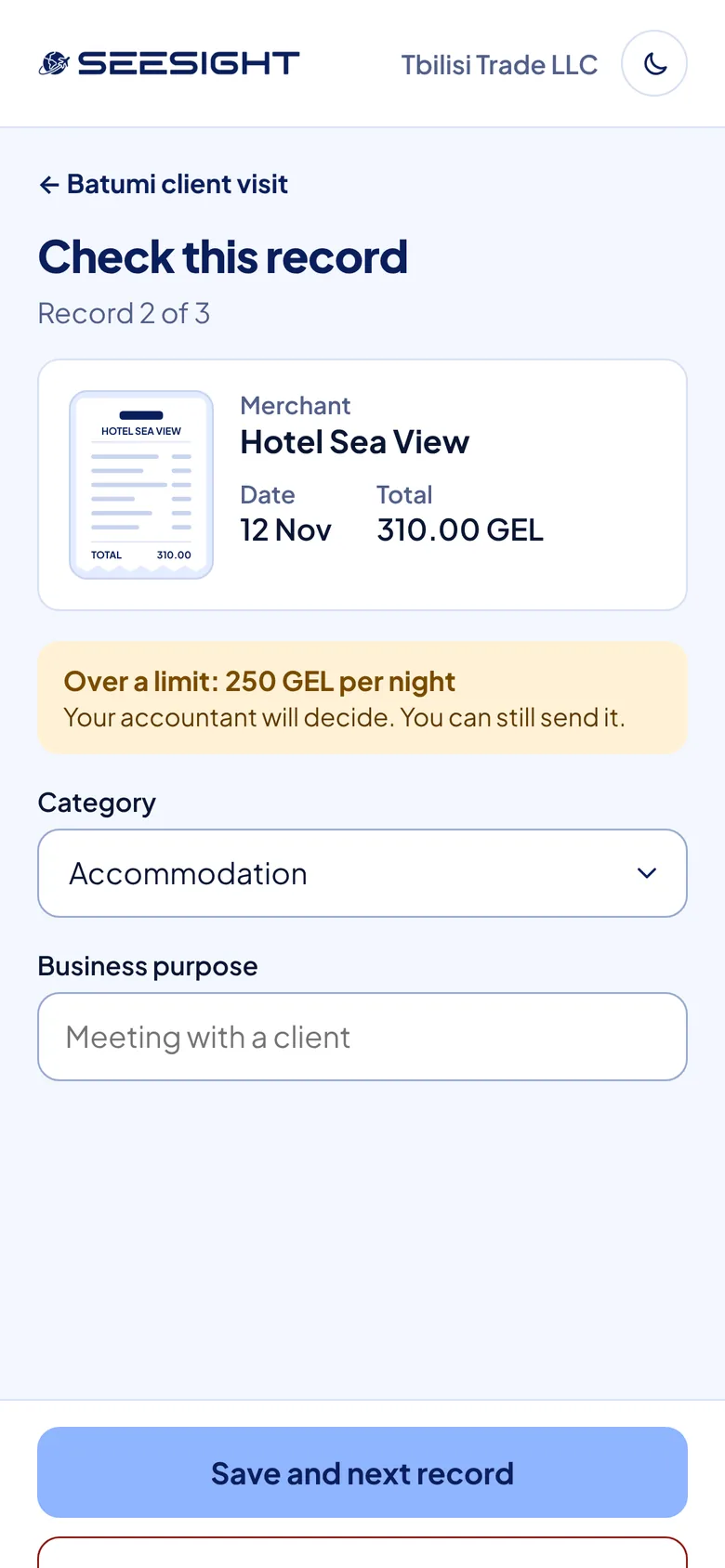
Anything over a limit or that looks like a duplicate is flagged first. Per diem and lost receipts are handled in the same flow.
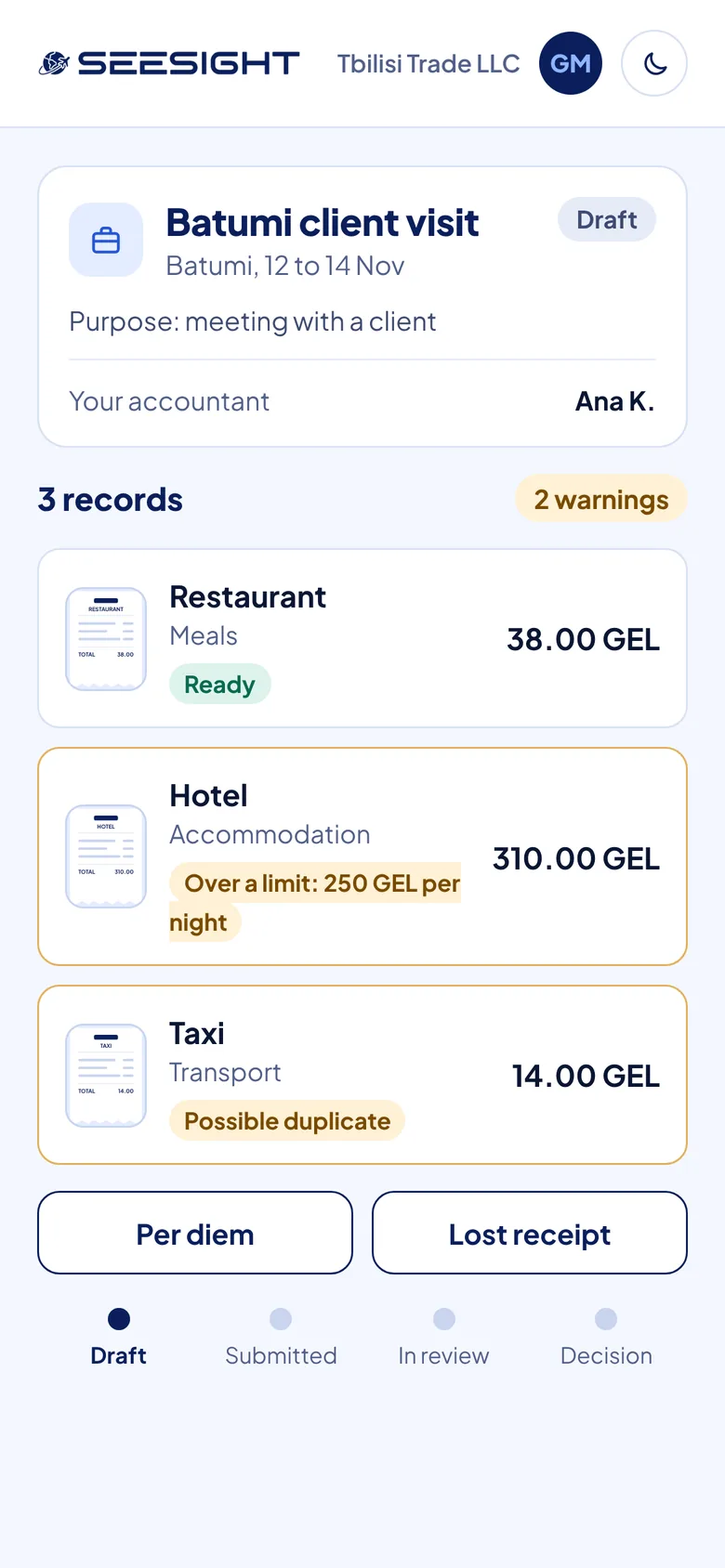
The claim goes to the traveler's one assigned accountant, already checked against the rules. They decide with one comment.

The traveler gets an email with the decision. The claim can be exported as a PDF that includes the receipt image.
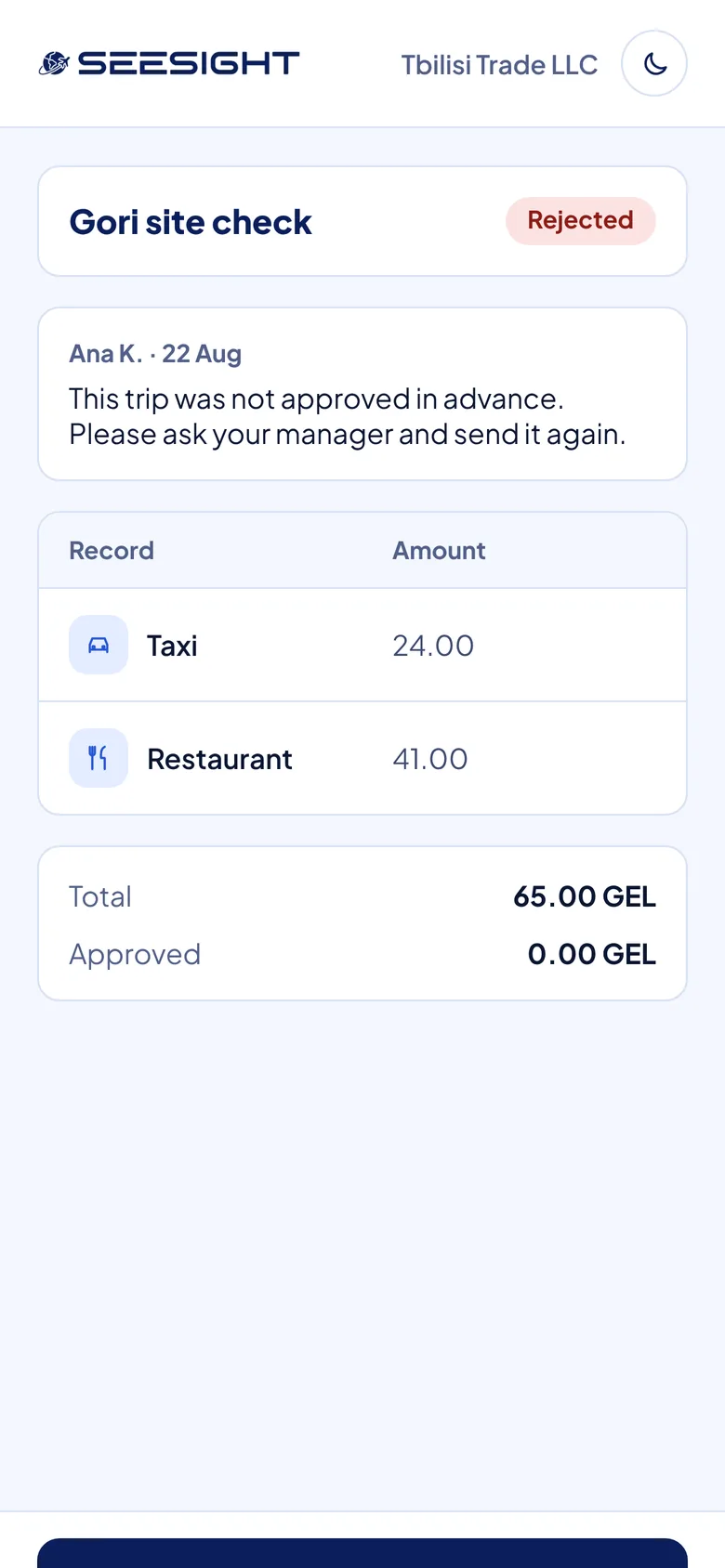
No receipt chaos, problems flagged before sending, and the status always visible.
One queue, rules set once, fewer follow-ups and a PDF with the receipt image.
Every expense with its receipt, purpose and decision, and the team managed in one place.
The traveler adds receipts and the trip purpose.
The claim is sent to the assigned accountant.
The accountant reviews it against the rules.
Approved, rejected, approved in part or a document requested, with an email.
Yes, in the phone browser. There's no app to install.
The merchant, the date and the amount, which become the expense record the traveler checks.
Approve, reject, approve part of the claim, or ask for a document, always with one comment.
By email, as soon as the accountant decides.
Yes. That's what the 30-minute demo is for.
Thirty minutes, the whole journey from receipt to decision, and time for your questions.
About 30 minutes. Questions first? info@seesight.net