No receipt chaos
Take a photo or upload a file. SeeSight reads it and creates the expense, with the merchant, date and amount filled in.

No more shoeboxes of receipts or wondering when you'll be paid back. Add a receipt in your phone browser, check what SeeSight read, and send the expense claim to your accountant.
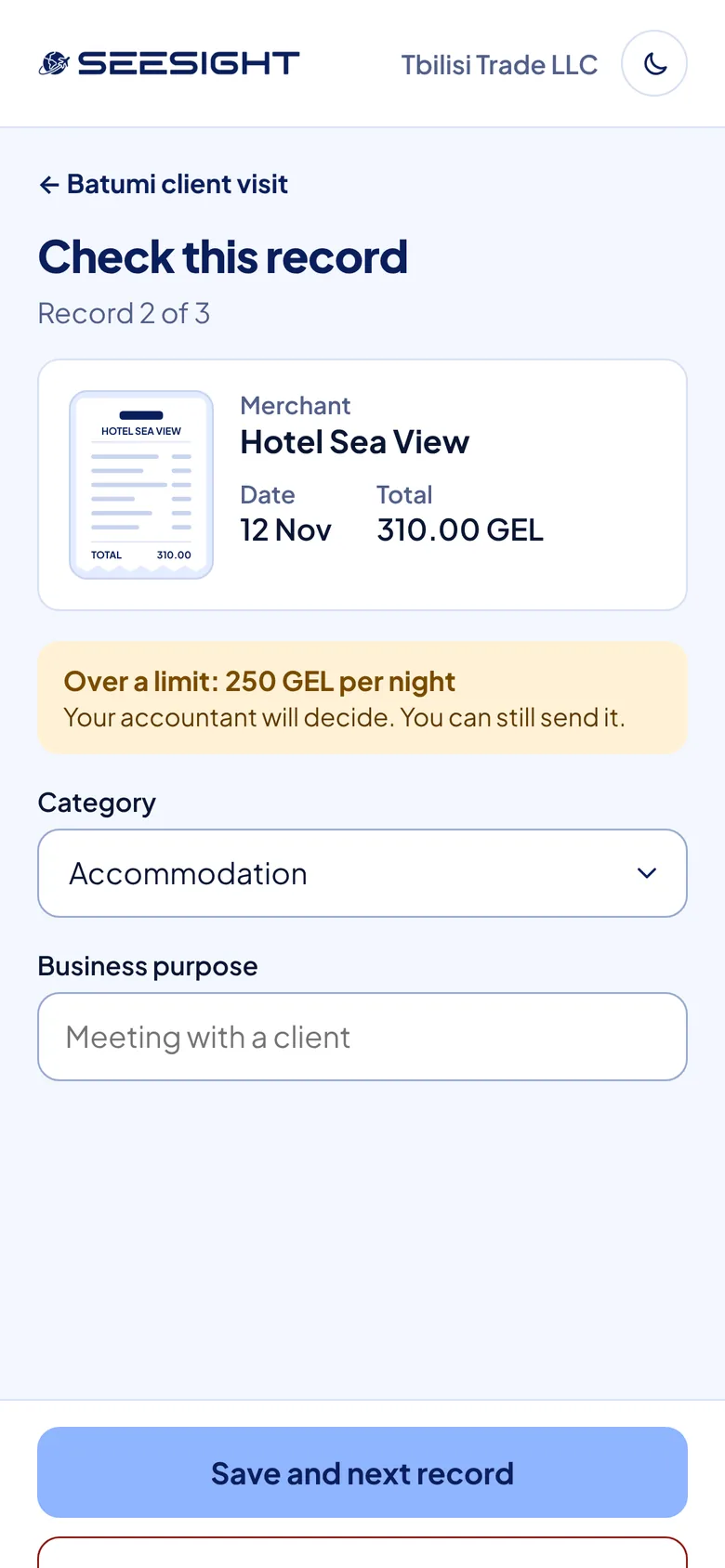
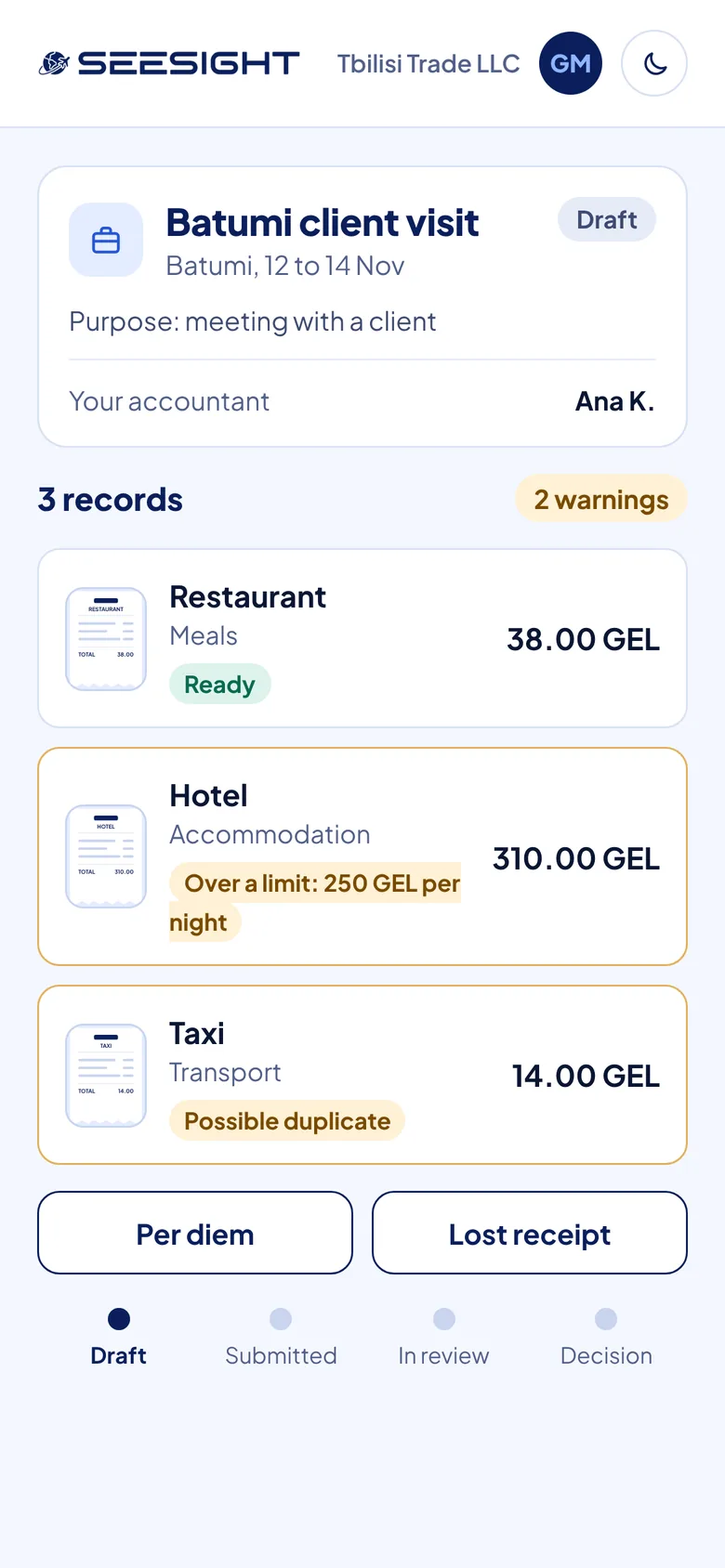
Take a photo or upload a file. SeeSight reads it and creates the expense, with the merchant, date and amount filled in.
Over a limit or a possible duplicate? You see it before the claim goes out, while you can still fix it.
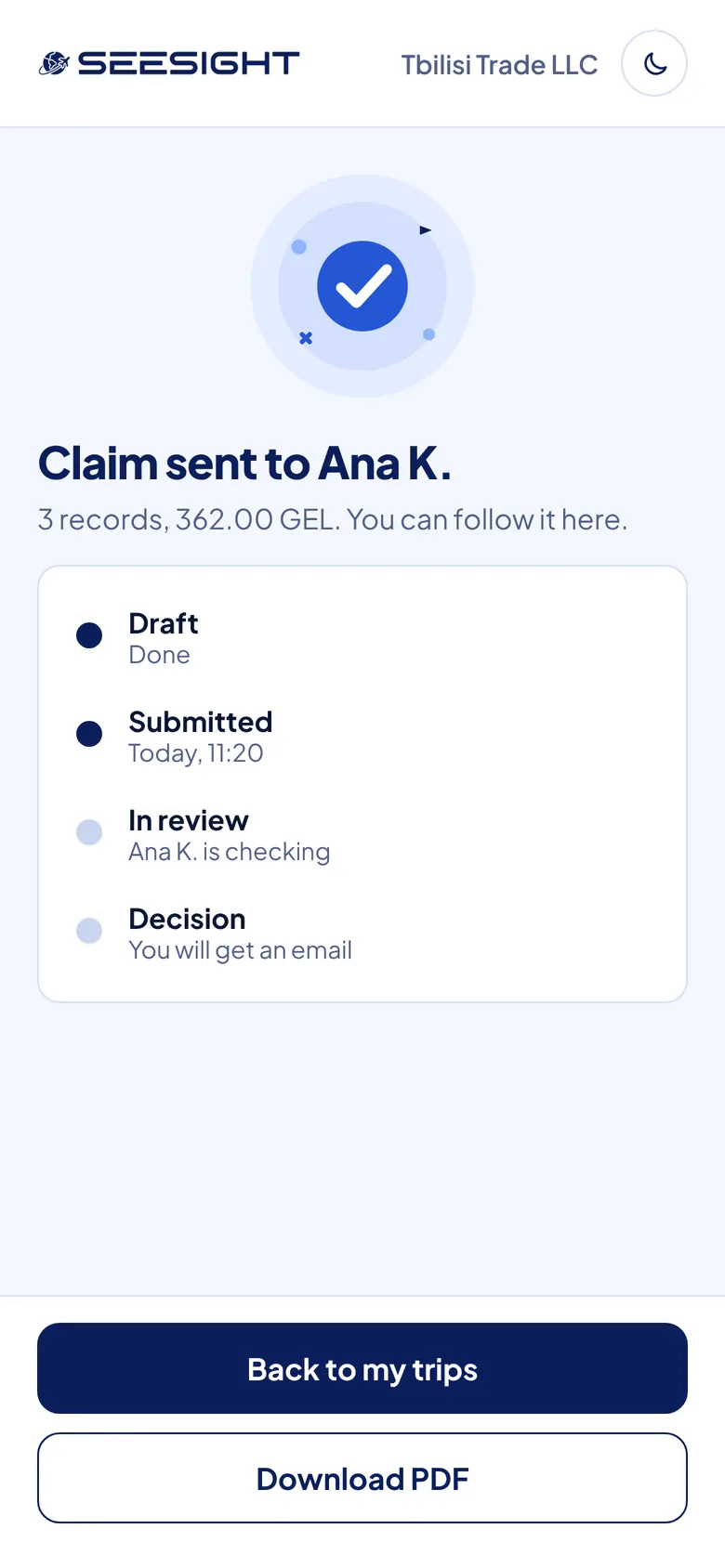
Draft, submitted, in review, decision. Your claim's status is always one tap away.
You're adding receipts and the trip purpose.
Sent to your assigned accountant.
Your accountant is looking at it.
You get an email with the outcome and a comment.
Take a photo or upload a file from your phone browser.
SeeSight reads the merchant, date and amount. You confirm it.
One line on why you travelled, so your accountant has the context.
The claim goes to your one assigned accountant.
You get an email with the decision, plus a PDF with the receipt image.
No. SeeSight works in the browser on your phone.
Lost receipts are handled in the same flow, so you can still add the expense and send the claim.
Per diem is handled in the same flow as your other expenses.
Your one assigned accountant. They can approve it, reject it, approve part of it or ask for a document, with one comment.
SeeSight flags expenses that are over a limit or look like duplicates before you send the claim.
Book a 30-minute demo and see the traveler flow on a real phone.
About 30 minutes. Questions first? info@seesight.net